
Mobile
The inspection, recorded where it happens.
Open the item, answer the checklist, take the photos and publish. The office sees it the moment you do, and each party then signs its own slot.
AHU-03 · InstallationAir handling unit · Level 2 plant room
Unit level and fixed to its base
YesNoN/A
Ductwork connections sealed
YesNoN/A
Filters fitted, correct grade
YesNoN/A
Access doors open fully
YesNoN/A
SavedPublish
Designed for the field
One hand, a weak signal and a long walk between rooms.
- Large answersOne question per block, with Yes, No and N/A buttons big enough for a gloved thumb.
- Photos from the cameraAttach photos to an answer. They are resized on the phone before they upload.
- Saved as you goNo Save button on a draft. When the signal drops, changes wait on the device.
- Signatures on screenEach party signs its own slot, from their own account.
One app
The phone and the desk share one record.
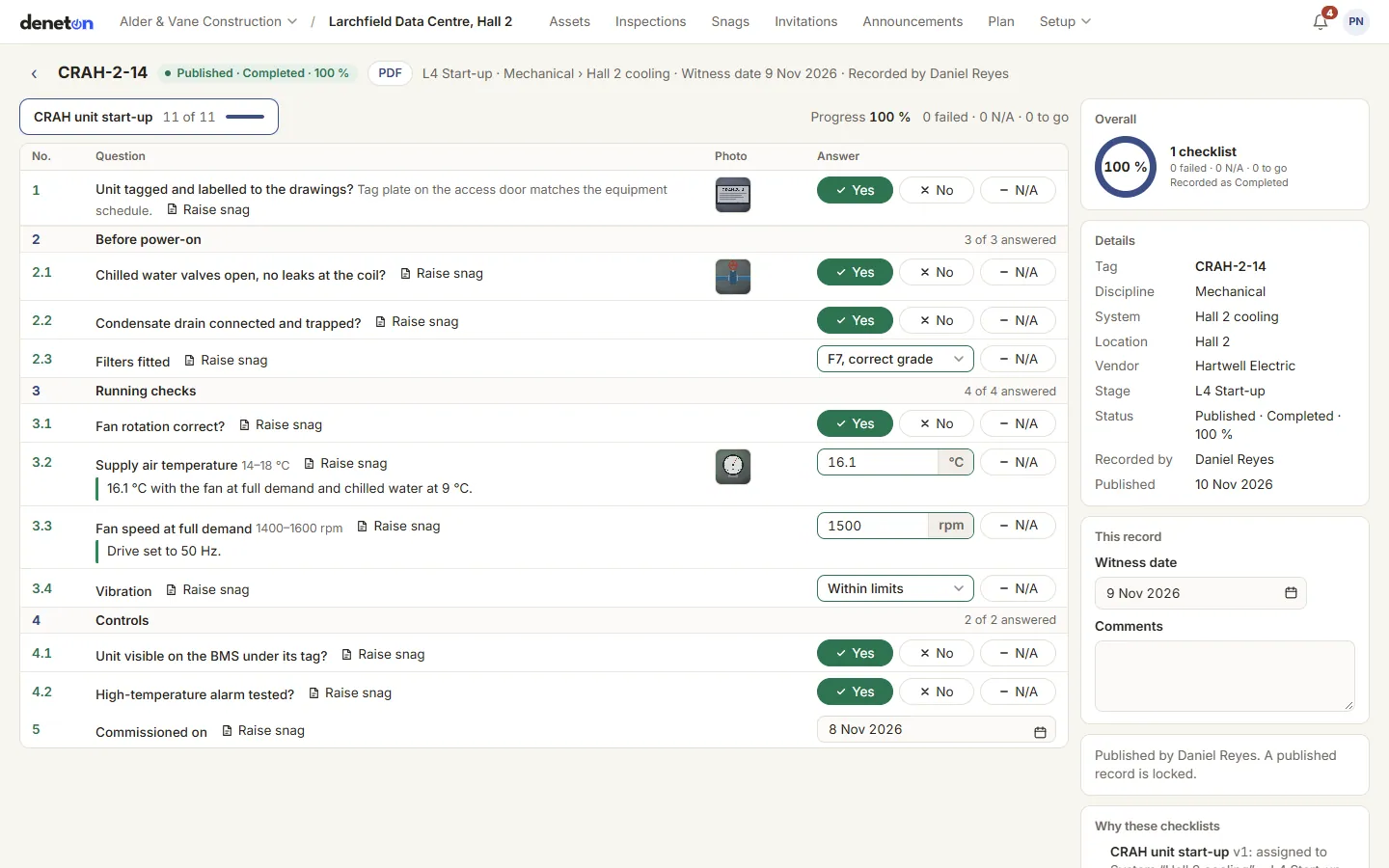
There is no separate field tool to sync. What the inspector publishes on site is what the coordinator sees on the desktop, with the same photos and readings, and each signature as soon as it is added.
How an inspection runs
From invitation to signed.
- InvitePick the items, the date and the people, with readiness shown for each.
- InspectAnswer the checklist, add readings and photos, raise snags on the spot.
- PublishStatus, progress and the plan update, and the PDF is ready.
- SignEach party then signs its slot, before leaving the room or later.
